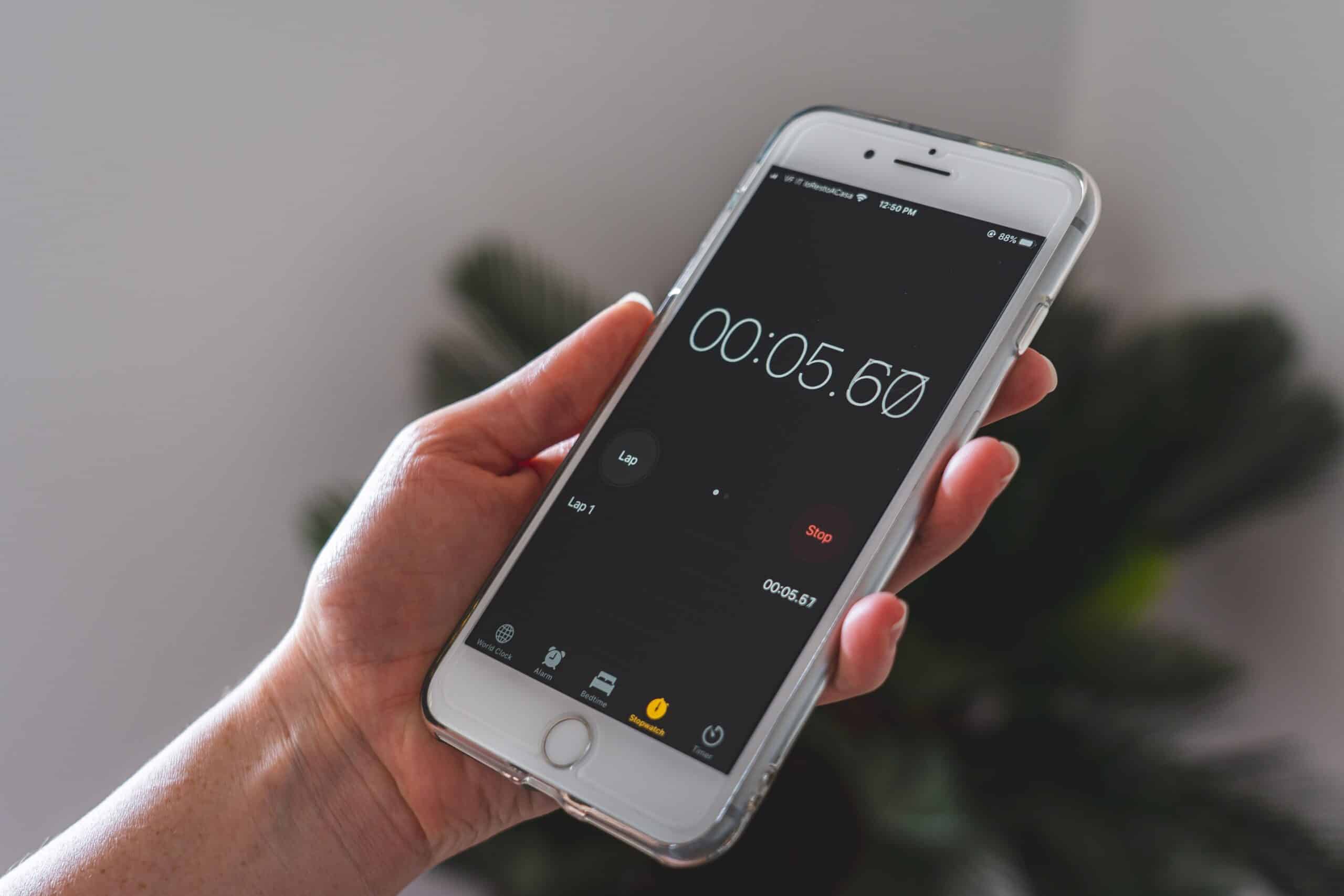
Why Remote Teams Need a Dedicated Time Tracking Solution
The shift to remote and hybrid work has fundamentally changed how organizations manage their workforce. Without a physical office, traditional methods of monitoring attendance and productivity no longer apply. A clock in clock out app bridges this gap by giving distributed teams a reliable, transparent system for tracking work hours from anywhere in the world.
Remote teams face unique challenges: employees working across multiple time zones, freelancers billing by the hour, and managers struggling to gauge who is actually working when. Manual timesheets and spreadsheets are error-prone, time-consuming, and easily manipulated. A dedicated time tracking application automates these processes, delivering accuracy while freeing managers to focus on outcomes rather than micromanagement.
Core Features of an Effective Clock In Clock Out App
One-Tap Time Logging
The best apps make clocking in and out effortless. Employees tap a single button to start their workday and another to end it. This simplicity encourages consistent usage and eliminates the friction that causes teams to abandon complicated tools. Many apps also support keyboard shortcuts and desktop widgets for even faster access.
Automated Timesheets
Instead of manually filling out hours at the end of each week, automated timesheets compile clock-in data into organized reports. Managers gain instant visibility into total hours worked, overtime, and breaks. This automation reduces payroll errors and saves administrative staff hours of tedious reconciliation.
GPS and Geofencing Capabilities
For teams with field workers or hybrid schedules, GPS tracking verifies location at the moment of clocking in. Geofencing allows administrators to set virtual boundaries, ensuring employees can only clock in when they’re at approved locations. This feature adds accountability without constant supervision.
Project and Task Tracking
Advanced apps let employees assign their logged hours to specific projects or tasks. This granular data reveals how time is distributed across client work, internal initiatives, and administrative duties. Agencies and consultancies especially benefit from this feature when billing clients accurately.
Real-Time Dashboards
Live dashboards show managers who is currently working, who is on break, and who has logged off. This visibility replicates the awareness of a physical office without invasive monitoring, helping leaders coordinate across schedules and time zones.
How Time Tracking Boosts Remote Team Productivity
Encouraging Accountability
When employees know their hours are being logged transparently, they naturally develop stronger time-management habits. This isn’t about surveillance—it’s about establishing clear expectations. Teams that use time tracking apps often report better focus and reduced procrastination because the act of clocking in signals the start of dedicated work time.
Identifying Productivity Patterns
Time tracking data reveals valuable insights about when and how teams work best. Managers can spot bottlenecks, recognize which tasks consume disproportionate time, and adjust workflows accordingly. For example, if a project consistently exceeds estimated hours, leaders can investigate whether scope creep or inefficient processes are to blame.
Preventing Burnout
Ironically, time tracking can protect employee wellbeing. By monitoring hours, managers can identify team members who are consistently overworking and intervene before burnout sets in. Data showing excessive overtime prompts important conversations about workload distribution and sustainable pacing.
Fair Compensation and Billing
Accurate time records ensure employees are paid correctly for their labor, including overtime. For freelancers and agencies, precise tracking supports honest client billing, building trust and reducing disputes. Everyone benefits when hours are documented objectively.
Simplifying Payroll and Compliance
One of the most significant advantages of a clock in clock out app is streamlined payroll processing. When time data flows directly into payroll systems, calculations become instant and error-free. Many apps integrate with popular payroll platforms like QuickBooks, Gusto, and ADP, eliminating manual data entry.

Compliance is another critical concern. Labor laws vary by region, and companies must maintain accurate records of hours worked, breaks taken, and overtime accrued. A good time tracking app automatically documents this information, creating an audit trail that protects businesses during disputes or regulatory reviews. For international teams, this compliance support becomes even more valuable given the complexity of managing multiple jurisdictions.
Choosing the Right App for Your Team
Assess Your Team’s Needs
Before selecting an app, evaluate your specific requirements. A small startup with five employees has different needs than a global enterprise with hundreds of contractors. Consider factors like team size, budget, integration requirements, and the level of detail you need from reports.
Prioritize Ease of Use
An app is only valuable if your team actually uses it. Overly complex tools with steep learning curves face resistance and inconsistent adoption. Look for intuitive interfaces that require minimal training. Free trials let you test usability before committing.
Verify Cross-Platform Support
Remote teams use diverse devices. Ensure your chosen app works seamlessly across desktop, web, iOS, and Android. Employees should be able to clock in from their laptop and check their hours from their phone without friction.
Consider Integration Capabilities
Your time tracking app shouldn’t exist in isolation. The best solutions integrate with project management tools like Asana and Trello, communication platforms like Slack, and accounting software. These integrations create a connected ecosystem that reduces manual work.
Best Practices for Implementation
Communicate the Purpose Clearly
When introducing a time tracking app, transparency is essential. Explain to your team why you’re implementing it and how the data will be used. Frame it as a tool for fairness, accurate compensation, and better project planning rather than surveillance. Addressing privacy concerns upfront builds trust.
Set Clear Policies
Establish guidelines around clocking in and out, break protocols, and how to handle forgotten entries. Written policies prevent confusion and ensure everyone follows the same standards. Include procedures for correcting mistakes, since occasional errors are inevitable.
Lead by Example
When managers and leadership actively use the time tracking system, employees are more likely to embrace it. Modeling proper usage demonstrates the tool’s value and normalizes its role in daily workflows.
Review Data Regularly
Time tracking data is only useful if you act on it. Schedule regular reviews to analyze trends, identify issues, and celebrate wins. Share insights with your team to reinforce the value of the system and encourage continued engagement.
The Impact on Remote Work Culture
Beyond the practical benefits, a well-implemented time tracking system contributes to a healthier remote work culture. It replaces vague assumptions with concrete data, reducing the anxiety that both managers and employees feel about accountability in distributed settings. Managers no longer wonder whether their team is working, and employees no longer feel they must prove their presence through constant messaging.
This clarity fosters a results-oriented environment where trust can flourish. When everyone operates from the same objective data, conversations shift from suspicion to collaboration. Teams can focus on delivering quality work rather than performing busyness.
Measuring Return on Investment
Investing in a clock in clock out app delivers measurable returns. Companies typically see reduced payroll errors, decreased administrative overhead, and improved project profitability through accurate time allocation. The hours saved on manual timesheet management alone often justify the subscription cost.
Additionally, better data leads to smarter decisions. Understanding true project costs helps businesses price their services appropriately and identify unprofitable engagements. Over time, these insights compound into significant financial advantages and operational efficiency gains that strengthen the entire organization’s competitive position in an increasingly remote-first business landscape.